Loss intake and triage
Record loss type, job address, site contact, urgency, access notes, and the person handling the first response. Keep after-hours calls in the same queue.
 Start a project ↗
Give dispatch, field crews, and billing the same job record from the first loss call to the final invoice. Designed around restoration teams managing several active sites.
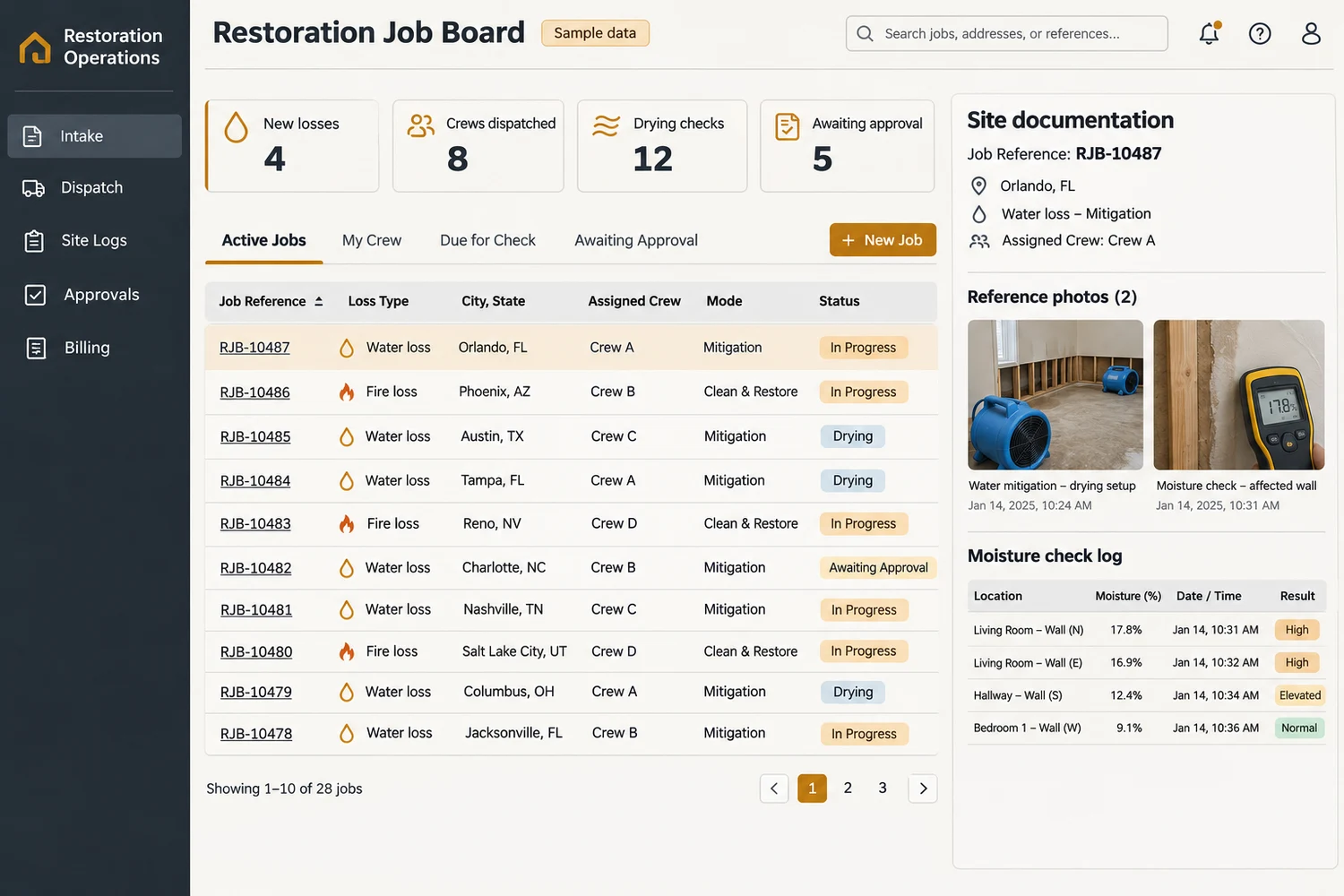
Record loss type, job address, site contact, urgency, access notes, and the person handling the first response. Keep after-hours calls in the same queue.
Assign crews and supervisors, track arrival status, and see where equipment is deployed. Hand off the next visit with its scope and access notes attached.
Organize before-and-after photos, readings, room notes, and daily drying checks. For fire jobs, record affected rooms, contents handling, and cleaning progress using a separate template.
Track work authorizations, scope revisions, and pending signoffs with named owners. Keep documents and acknowledgments tied to the job and its current version.
Assemble a job packet from time records, photos, readings, and approvals. Flag incomplete documentation before the job moves to billing.
Review labor, equipment days, materials, and approved changes against the billing scope. Send an approved export to accounting and track unpaid balances.
A 25-person contractor has water mitigation crews returning for drying checks while a second team documents smoke cleanup. Dispatch can see the next visit for both. Billing receives the approved packet with the relevant logs, photos, and changes already attached.
Record the site, contact, and work type.
Assign ownership and set the next update.
Log progress, readings, and approvals at the job level.
Check the packet and release approved charges.
Compare time from intake to a confirmed dispatch, missing documentation at closeout, and days from completion to billing. Pilot one branch and one loss type first.
Bring a redacted work order, your current process, and one handoff you want to improve.
Yes. Use a water workflow for moisture readings and drying visits, and a fire workflow for affected rooms, contents, and cleaning documentation.
A mobile-friendly workflow can cover field photos, notes, and status updates. Offline capture, upload limits, and device support should be scoped from actual field conditions.
Start with reliable file or CSV handoffs. A direct integration depends on available APIs, permissions, and how the receiving system matches jobs and invoices.
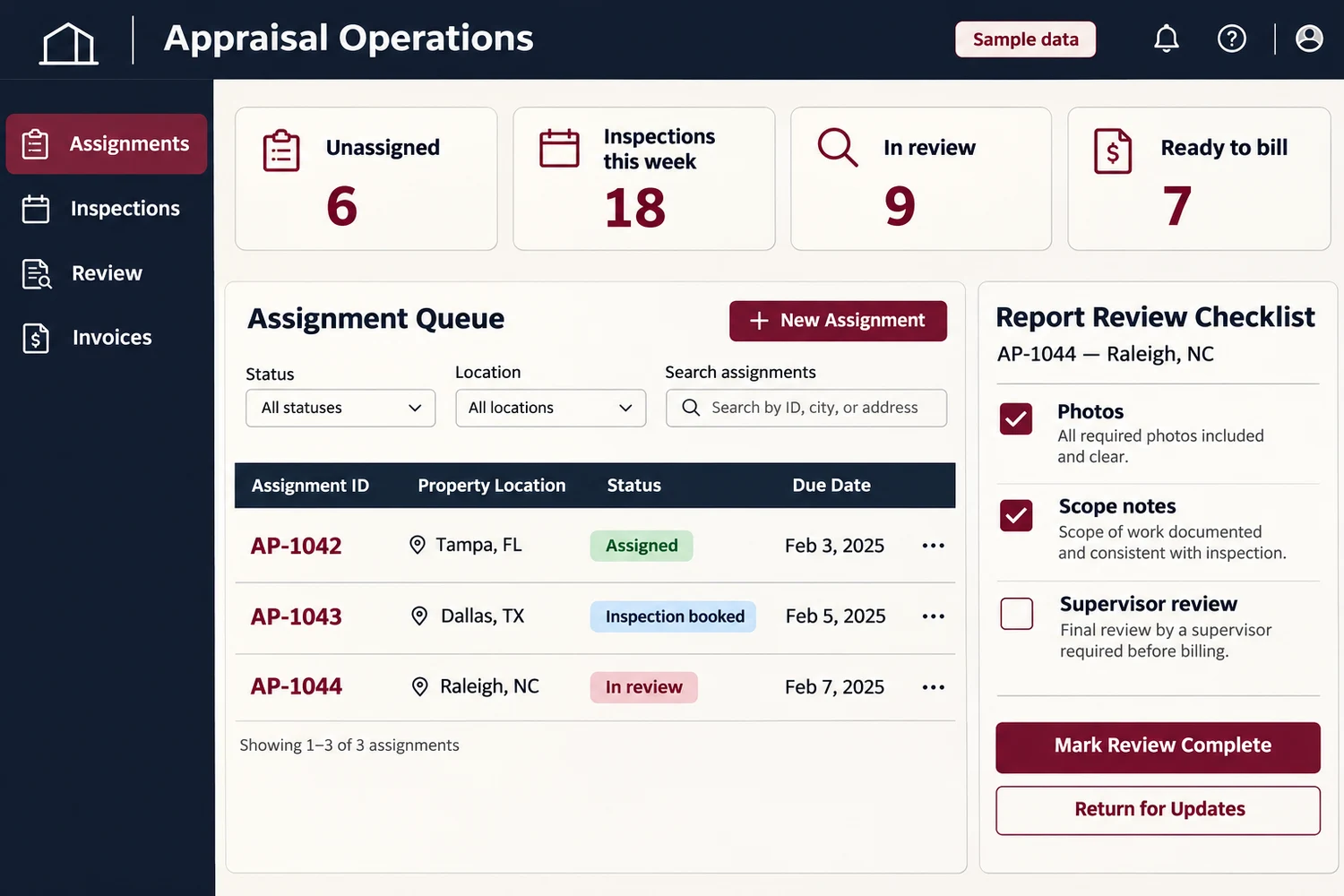
Custom software for US property insurance appraisal firms. Assign files, schedule field inspections, review reports, and track invoices in one private workspace.
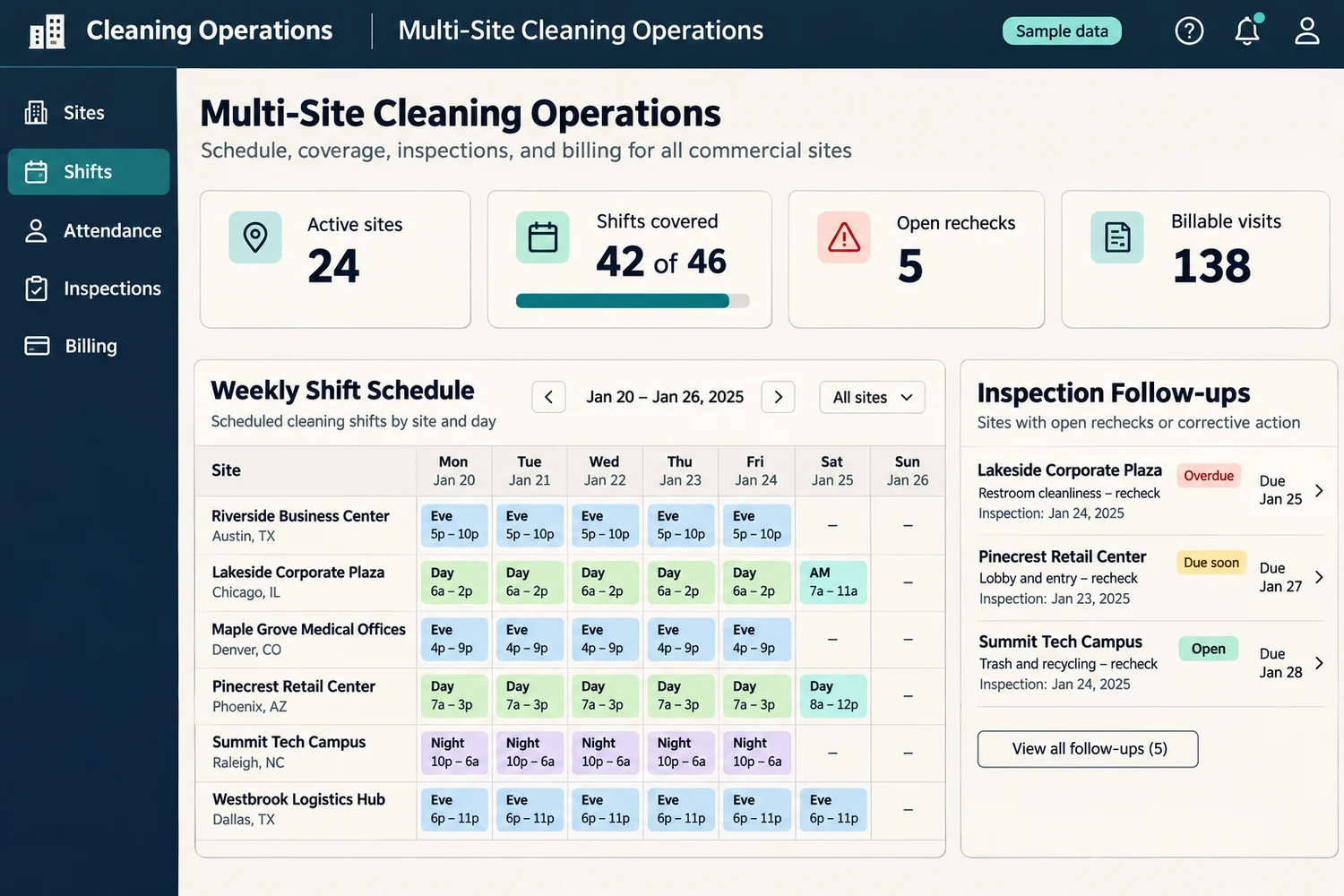
Build custom janitorial software for US cleaning contractors. Schedule crews, track site attendance and inspections, share client updates, and bill contracts.
 Chat with us