Assembly records
Keep the serial number, assembly type, service address, water utility, contact, and test history together. Link multiple assemblies to a property without combining their due dates.
 Start a project ↗
See which assemblies are due, who’s scheduled to test them, and which reports or invoices still need attention. Build a workflow around the recurring work that keeps your calendar full.
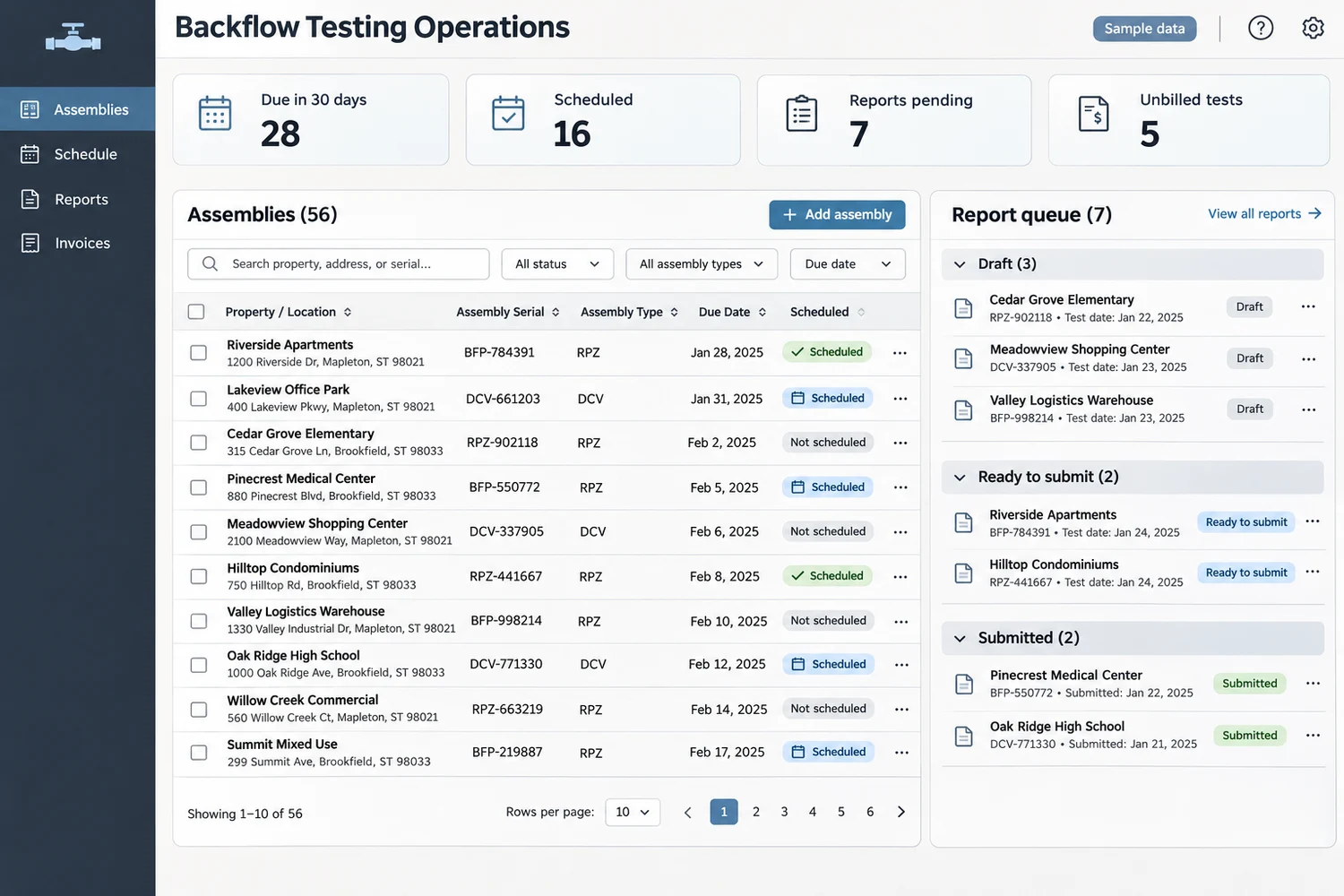
Keep the serial number, assembly type, service address, water utility, contact, and test history together. Link multiple assemblies to a property without combining their due dates.
Set due dates and reminder intervals per assembly. See which customers have been contacted, who has booked, and which tests still need follow-up.
Group visits by area, record access instructions, and assign the appropriate tester. Keep reschedules, cancellations, and return visits visible.
Capture test readings, tester details, gauge information, pass or fail status, and photos as needed. Route failures to a repair and retest queue.
Prepare the applicable report or customer certificate from reviewed records. Track drafts, submissions, and acknowledgments separately. Confirm accepted formats and portals with each utility.
Record fees for tests, repairs, and retests. Move approved jobs to billing, track unpaid invoices, and scope exports for your accounting system.
Start with a customer and assembly import, a due-date queue, a booking calendar, and a report checklist. For example, dispatch can group a property manager’s upcoming tests into one visit, log each result, and send only reviewed work to billing.
Measure how many due tests become bookings, how long reports wait for submission, and how much completed work remains unbilled. Add direct portal or accounting integrations once the handoffs are working.
Yes. Set a recurrence or a specific due date for each assembly. Keep the testing interval and report deadline separate so reminders reflect the requirements for that site.
A first release can generate review-ready reports and track manual submissions. Direct filing depends on the utility’s portal, integration access, and accepted report format.
Yes. Start with a sample export and map property contacts, assembly serial numbers, test dates, and billing details. Review duplicate records and missing due dates before turning on reminders.
Test intervals and submission rules vary. See how Seattle Public Utilities and the City of Tampa handle them.
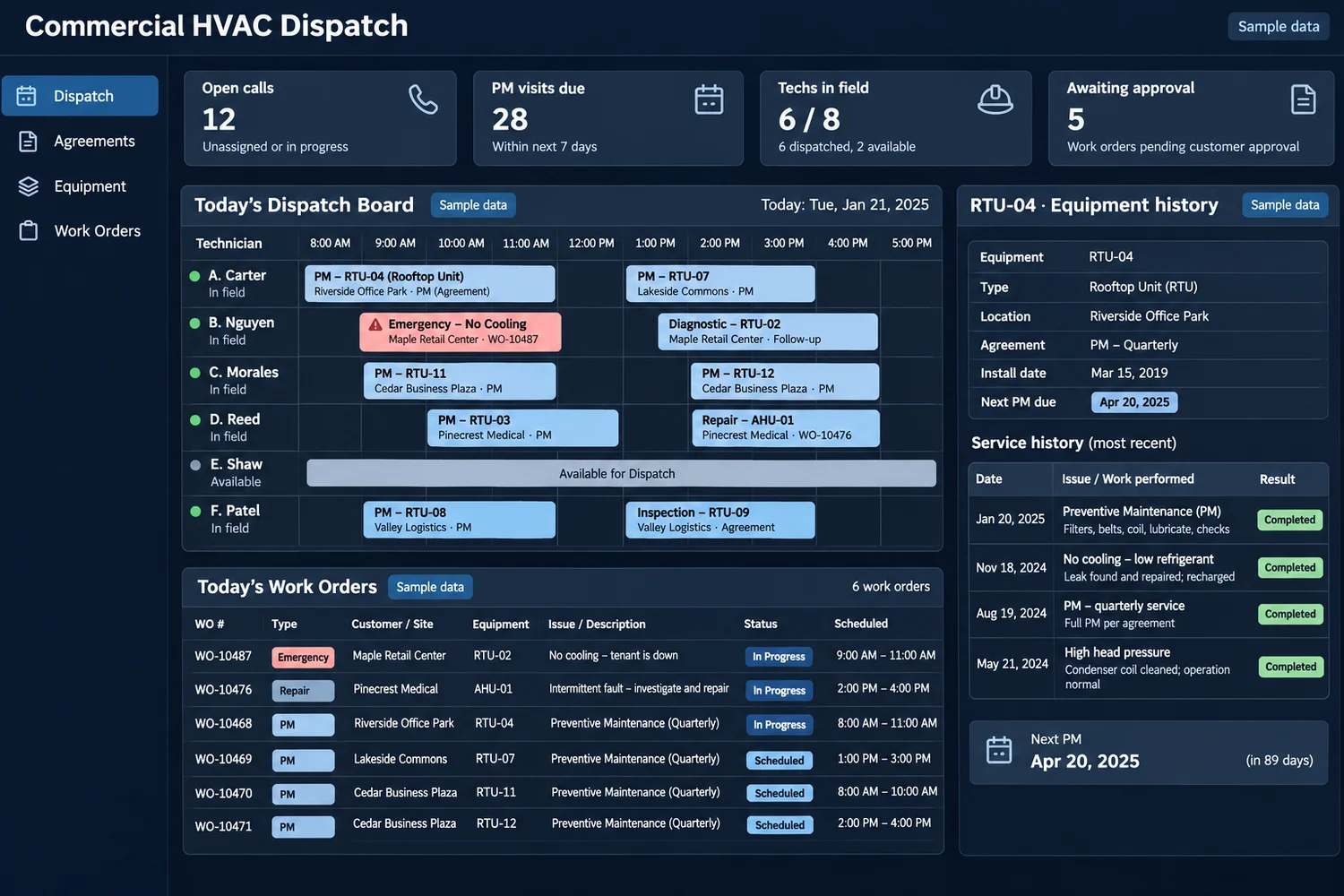
Custom commercial HVAC field service software for US contractors. Dispatch technicians, schedule preventive maintenance, track equipment history, and update customers.
 Chat with us