The homeowner filled out your form at 8:14 p.m. By morning, the inquiry is sitting in a shared inbox, two people think someone else called, and the office manager is checking a spreadsheet. The website did its job. The handoff didn’t. That’s the problem a connected website and CRM should solve.
A public adjuster website should capture a qualified inquiry and pass it into a CRM with a source, an owner and a next action. The CRM should track contact attempts and move an accepted engagement into a claim workspace without making staff re-enter the same information.
Build the first form around the next conversation
You don’t need the entire claim file before you can return a call. Start with the owner’s name, preferred contact method, property location, loss type and a short description of what happened. Ask for the date of loss if it helps your team route the inquiry. Explain what happens after submission and show a useful confirmation.
Keep sensitive uploads out of a basic marketing form unless you have designed the storage, access and retention process. Once your team accepts the inquiry, send a controlled upload link instead of asking someone to email a policy and a folder of photos to a general inbox.
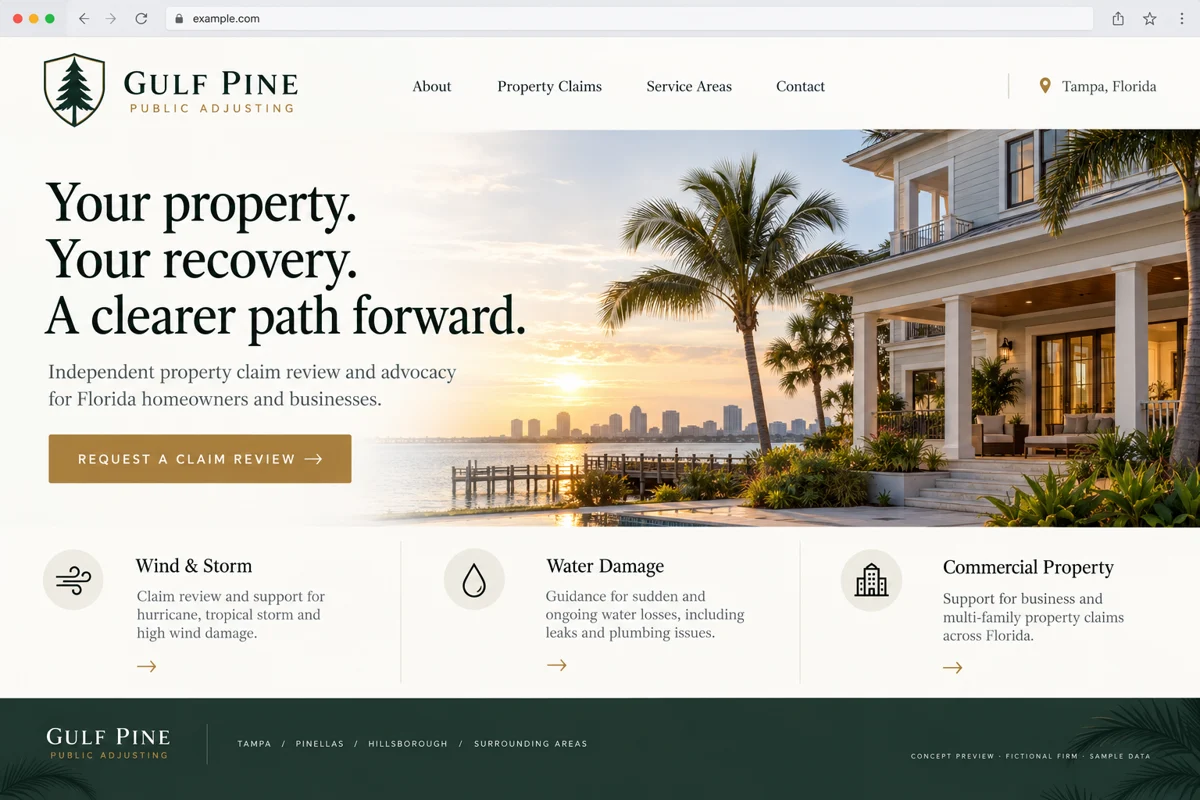
For website copy, answer the questions owners ask before they call: where you work, what types of losses you handle, who will contact them and what an initial review involves. Use the firm’s actual credentials and service areas. Don’t fill the page with settlement promises.
Give every inquiry one owner and one next action
A useful lead record needs more than a name and phone number. Store the original submission, arrival time, referral or campaign source, assigned staff member, latest contact attempt and next follow-up. Distinguish an inquiry from an engaged client so your reporting doesn’t count every form submission as new business.
Here’s a simple workflow to test: a water-loss inquiry arrives outside business hours; the system acknowledges receipt, creates a task for the next staffed period and shows it in the uncontacted queue. When a staff member calls, they record the outcome. If the owner needs time, the next action stays visible rather than disappearing into a note.
Set response targets your office can actually meet. A website promise of an immediate callback creates a problem if the team only checks messages twice a day.
What belongs in the first website-and-CRM release?
- Website: clear loss-type pages, real service areas, mobile call controls and a short inquiry form.
- CRM: ownership, contact history, reminders, source tracking and duplicate review.
- Handoff: approved engagement status, claim identifier and a controlled document request.
- Management view: inquiries awaiting contact, aging follow-ups and reasons a lead was not a fit.
Avoid a separate microsite for every city if the only difference is the city name. A useful local page explains the team’s actual coverage and gives a visitor a reason to choose that office. Review advertising, solicitation and contact-permission requirements with the people responsible for the states you serve before launching campaigns.
Connect your current CRM before replacing it
If the team already uses a CRM consistently, integration may be the better first project. Test whether its supported API or automation tools can accept the form, preserve source information and create the right task. Check error handling too: a failed connection should raise an alert and preserve the inquiry.
A custom CRM makes more sense when your workflow repeatedly forces staff into duplicate systems or you can’t control the claim handoff. Ask for a demonstration using your process before approving a replacement. Use fictional records, then test one controlled live flow after access and retention settings are reviewed.
Measure the handoff, not just form submissions
Track qualified inquiries, time to first human contact, overdue follow-ups and inquiry-to-engagement conversion. Agree on what each status means before comparing reports. A rise in submissions is not an improvement if the office is getting calls outside its service area.
For acceptance, submit a test inquiry from a phone, assign it, log a call, schedule a follow-up and convert it to a claim. Then verify the original source and history survived. That small end-to-end check is more useful than a polished dashboard demo.
What to bring to a discovery call
Bring your current form, a list of lead sources, the stages your staff actually uses and an example of a missed handoff with identifying information removed. Include whoever answers the phone. They usually know which fields callers can answer and which questions slow the first conversation down.
Ask for a scope that separates website changes, CRM configuration, integration, migration and ongoing support. Price the workflow you need before adding features that sound impressive but don’t change the next action.
Questions firms ask before starting
Can you connect our existing public adjuster CRM?
Start by checking its supported integration methods and permissions. A scoped integration may be enough if the current CRM already fits the team’s workflow.
Will a new website guarantee more signed claims?
No. A clearer website and reliable follow-up can support conversion, but demand, fit, staffing and the firm’s service all affect results.
Should we collect claim documents on the first form?
Collect only what the initial conversation needs. Use a controlled upload workflow when sensitive documents are required.
How much does website and CRM integration cost?
The estimate depends on the current website, CRM access, routing rules, migration and testing. Define those items before comparing proposals.
References and editorial notes
These references provide industry context. The workflow recommendations and examples above are editorial design guidance, not a case study, an endorsement of a vendor or a statement of requirements in every state. Confirm applicable professional and client requirements with the people responsible for your firm.
Send us your current form and lead stages, with client information removed. Deepak Softech can scope the website, CRM connection and follow-up workflow together.
Map your inquiry-to-claim handoff ↗ Chat with us