
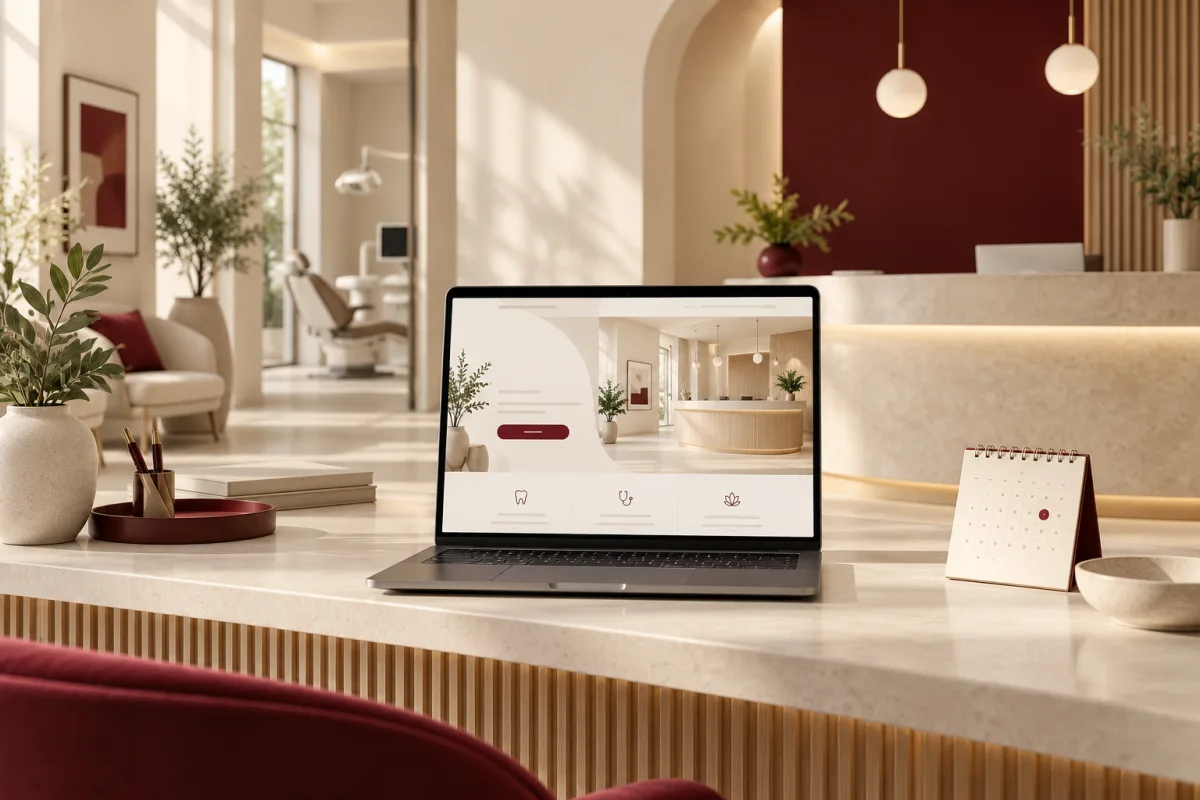
A patient opens three clinic websites after work. One loads slowly. Another explains the equipment but says little about the appointment. The third makes it easy to find the right service, meet the clinician and understand what happens next.
Healthcare website design starts with that moment of uncertainty. The visitor may be worried, busy or helping a family member. A credible clinic website reduces the effort of deciding whether to contact the practice.
A useful medical or dental website clearly explains services, clinician credentials, location, appointment options and the next step. It works on a phone, supports accessible use and handles enquiries through an appropriate privacy-conscious process. Visual polish should reinforce those jobs.
Design around questions patients actually ask
Can this clinic help with my concern? Who would I see? Where is it, and when is it open? Is the appointment request confirmed immediately or reviewed by reception? What information should I bring?
Build the navigation around those questions. A large medical illustration will not compensate for unclear opening hours. A long list of treatments without plain-language explanations can leave patients unsure which appointment to request.
For a dental practice, distinguish routine care, restorative work and specialist services where offered. For a medical clinic, explain service scope without implying availability or qualifications the practice does not have. Have a suitable clinician review health-related copy.
The pages that make the site useful
- Homepage: practice identity, key services, location and the main appointment action.
- Service pages: who the service is for, what the appointment involves and how to take the next step.
- Clinician profiles: accurate credentials, roles and a human introduction.
- Visit information: hours, directions, accessibility details and accepted payment or insurance information where relevant.
- Appointment page: a clear explanation of the booking or request process.
- Contact and privacy information: reliable channels and an appropriate explanation of data handling.
Use real practice photography when permission and quality allow. An identifiable reception area can help a first-time visitor feel prepared. Generic smiling stock photos are less useful than an accurate picture of where the patient will arrive.
Make the appointment journey precise
A request form and a live booking system make different promises. If reception must confirm availability, label the action “Request an appointment” and explain how confirmation happens. Do not show a success message that implies a reserved time when no reservation exists.
Keep the first step proportionate. Name, an approved contact method and a broad reason for contact may be enough for a request workflow. Do not casually invite detailed medical histories into a general marketing form or ordinary analytics events.
Provide an alternative contact route and locally appropriate guidance for urgent needs. Have the practice approve the wording. Appointment convenience must not blur the distinction between routine enquiries and urgent clinical care.
Privacy belongs in the design brief
For US practices subject to HIPAA, technology decisions need to reflect their actual obligations and data flows. HHS summarises administrative, physical and technical safeguards for electronic protected health information. A secure-looking page or a hosting label is not a complete compliance programme.
Review what forms, booking widgets, analytics and advertising tools collect or receive. HHS’s tracking guidance addresses disclosures involving protected health information and also records a court decision vacating part of its public-page interpretation. Obtain a current, context-specific review instead of assuming every visit is PHI or that every tracker is harmless.
Practices outside the US should assess the rules that apply to their location and patients. Define vendor responsibilities, access, retention and incident handling with the practice’s responsible advisers before launch.
Accessibility and mobile performance are practical care
Use readable text, sufficient contrast, visible keyboard focus and clear field labels. Test error messages and appointment controls without a mouse. The W3C accessibility guidance is a useful technical reference, alongside practical testing with the intended audience.
Optimise photographs and avoid hiding essential content behind animation. Test on a slower mobile connection. A patient should be able to find the phone number and address even if a decorative element does not load.
Use plain language without flattening important distinctions. Explain unfamiliar appointment terms and let a clinician check accuracy. Clear content can reduce avoidable calls while preserving the conversations reception really needs to have.
Build trust with specific, permission-based proof
Show accurate credentials and identifiable practice details. If publishing patient stories, photographs or reviews, follow the practice’s consent and privacy requirements. Never invent a treatment outcome or imply a guarantee from a testimonial.
A review about helpful reception staff is different from evidence that a clinical treatment will produce the same result for another person. Present feedback with that distinction intact.
Connect the website with the front desk
Decide who receives requests, how duplicates are handled and what happens outside office hours. If the website connects to practice software, test the full journey from submission to the staff member’s working queue.
Deepak Softech can discuss healthcare workflow software and the website connection together. For appointment, record and billing administration, explore Clinzify and confirm the fit, deployment requirements and applicable controls for your practice.
Frequently asked questions
Does every clinic need online payment and live booking?
No. A clear, dependable appointment request may suit the practice better. Add live booking or payments when the operational process and controls support them.
Can a website designer guarantee HIPAA compliance?
Compliance depends on the practice, vendors, contracts, configuration and ongoing operations. Specify the applicable requirements and involve qualified reviewers; avoid treating compliance as a design feature.
Tell us your clinic type, location and how reception currently handles enquiries. We can discuss a website and workflow that fit the practice rather than adding another disconnected inbox.
Discuss my clinic website ↗Editorial note: published 21 October 2026. Budget and time-saving examples are explicitly illustrative. Vendor capabilities and terms can change; check linked primary sources and written proposals for your requirements.
 Chat with us