
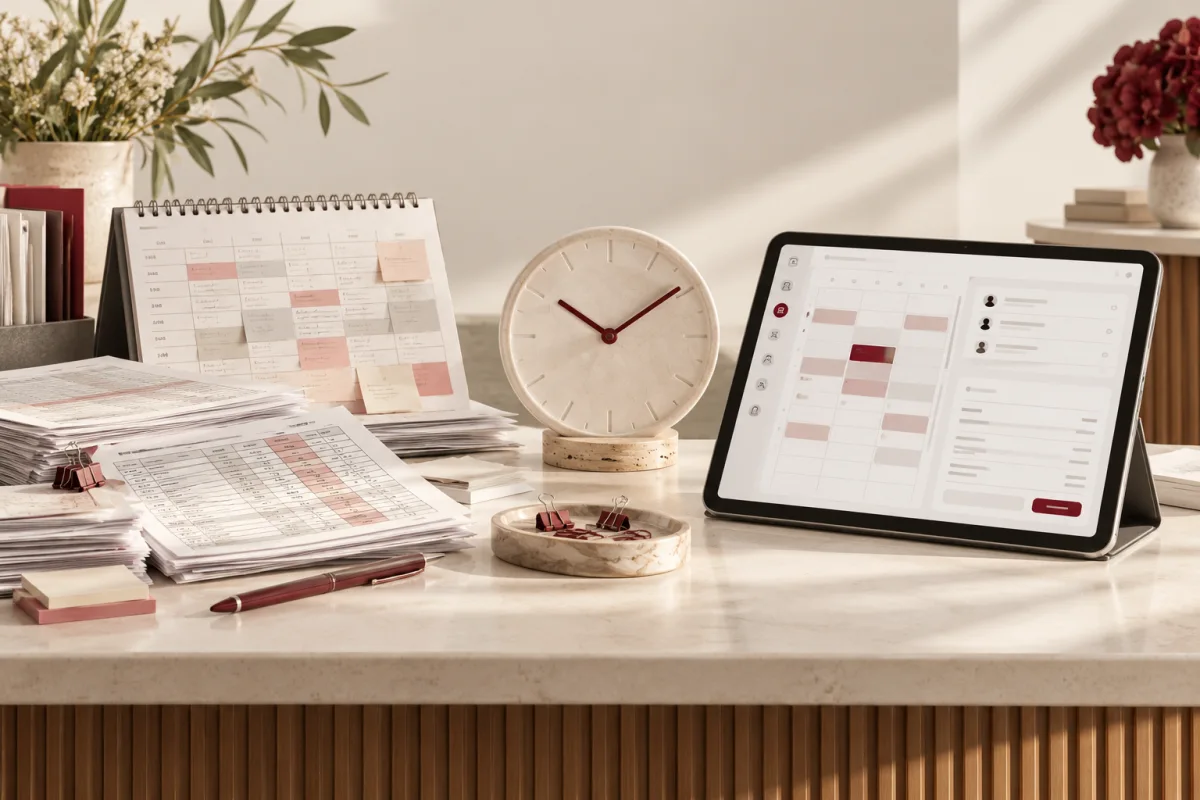
The first patient is waiting. Reception is searching one sheet for the appointment, another for the outstanding balance and a message thread for the last follow-up. None of those tasks looks large on its own. Together, they shape the morning.
Clinic management software can reduce that coordination, but it will not automatically save time simply because the screens look modern. The useful comparison is the number of steps needed to complete a normal clinic task accurately.
A connected clinic system is worth evaluating when appointments, patient records, billing and follow-ups require repeated entry or manual reconciliation. A very small practice with simple needs may still manage adequately with controlled spreadsheets. Measure the real workflow before making a savings claim.
Compare a working morning, not a feature list
Follow one patient journey from appointment request through arrival, consultation administration, invoice and follow-up. Record the tools used, information retyped and points where staff must ask someone else for help.
Then repeat the exercise with a cancellation, a rescheduled visit and a partially paid invoice. Those are normal working situations. A system that handles only the straightforward appointment may transfer the difficult work back to paper.
Keep clinical judgement separate from administrative convenience. A faster billing workflow is not evidence of a better treatment decision. Choose measures that reflect what the software actually changes.
Clinic software vs spreadsheets: the daily differences
| Task | Spreadsheet workflow | Connected system to evaluate |
|---|---|---|
| Appointment changes | Update a row and communicate the change elsewhere | One schedule with status, responsible staff and controlled notifications |
| Finding patient context | Search files or sheets and confirm the correct person | Authorised access to a consistent patient record |
| Billing | Prepare a separate entry and reconcile payment status | Linked invoices, payments and outstanding balances |
| Follow-ups | Manually identify who needs contact | Defined queues with due dates, ownership and approved reminders |
| Reporting | Combine sheets and check formulas | Reports built on agreed statuses and dependable records |
These are capabilities to test, not promises every product fulfils. Ask the supplier to demonstrate the full task, including correction and recovery when something goes wrong.
A transparent time-saving worksheet
Use your own observed timings. Here is an illustrative reception workload; the values are assumptions, not measured Clinzify results.
- 30 appointment or follow-up tasks per day.
- 4 minutes per task in the current process.
- 2.5 minutes per task in a proposed pilot.
- 22 working days per month.
The difference is 45 minutes per day, or 16.5 hours per month. At an assumed loaded staff cost of $25 per hour, the time has a nominal value of $412.50 per month. That does not mean payroll falls by that amount. The practical benefit might be capacity for patient communication or less overtime.
Compare that potential value with subscriptions, setup, data preparation, training, messaging, support and any extra administrative work. During the pilot, measure actual timings and error rates rather than keeping the assumed result.
When a spreadsheet may still be enough
A low-volume practice with a limited administrative process may not need a broad system immediately. Clear ownership, controlled access and a documented routine can go a long way. Spreadsheets also remain useful for analysis and planning even after a practice adopts dedicated software.
The case for change becomes stronger when several people coordinate the same records, access needs differ, follow-ups are missed or reconciliations consume time daily. The number of staff alone is not a reliable trigger.
What to ask before buying clinic management software
- Can we run our normal workflow? Demonstrate new visits, repeat visits, cancellations, billing corrections and follow-ups.
- Who sees which information? Inspect actual role permissions rather than accepting a broad “secure” label.
- What happens during an outage? Understand availability, recovery and the practice’s fallback procedure.
- Can we export our records? Check usable formats, attachments and the exit process.
- What is included in the price? Confirm setup, support, storage and message usage.
- How will records move? Agree duplicate handling, validation and sign-off before migration.
Security and privacy need their own review. For US regulated practices, HHS describes safeguards for electronic protected health information. Assess the applicable requirements, vendor arrangements and actual configuration rather than assuming a product name establishes compliance.
Use a small pilot to protect the front desk
Choose a manageable group of staff and a limited workflow. Clean and verify a sample of records. Set a training period, an issue log and clear criteria for moving forward. Avoid a launch day that depends on every person learning every feature at once.
Measure task time, duplicate records, billing corrections and unresolved follow-ups. Ask reception what is easier and what has become harder. Software adoption is not complete when accounts are created; it is complete when the team can do the job confidently.
Where Clinzify fits
Clinzify is Deepak Softech’s clinic management offering, presented around appointments, patient records, prescriptions, billing and reporting. Use those areas as a starting point for a demonstration, then check the specific workflows, controls, integrations and support your practice needs.
If your process requires something different, discuss a custom healthcare workflow rather than forcing staff to work around an unsuitable setup. Our clinic website guide also covers the enquiry and appointment journey before a patient reaches reception.
Frequently asked questions
Will clinic software eliminate administrative work?
No. It can reduce repeated entry and improve visibility, but staff still need to verify information, handle exceptions and communicate with patients.
How long should a pilot run?
Long enough to include normal visits and common exceptions, with agreed measures and a review date. Base the duration on your clinic’s workload rather than a generic promise.
Show us how appointments, billing and follow-ups work today using anonymised examples. We can discuss whether Clinzify or a more tailored workflow is a better fit.
Discuss my clinic workflow ↗Editorial note: published 21 October 2026. Budget and time-saving examples are explicitly illustrative. Vendor capabilities and terms can change; check linked primary sources and written proposals for your requirements.
 Chat with us