
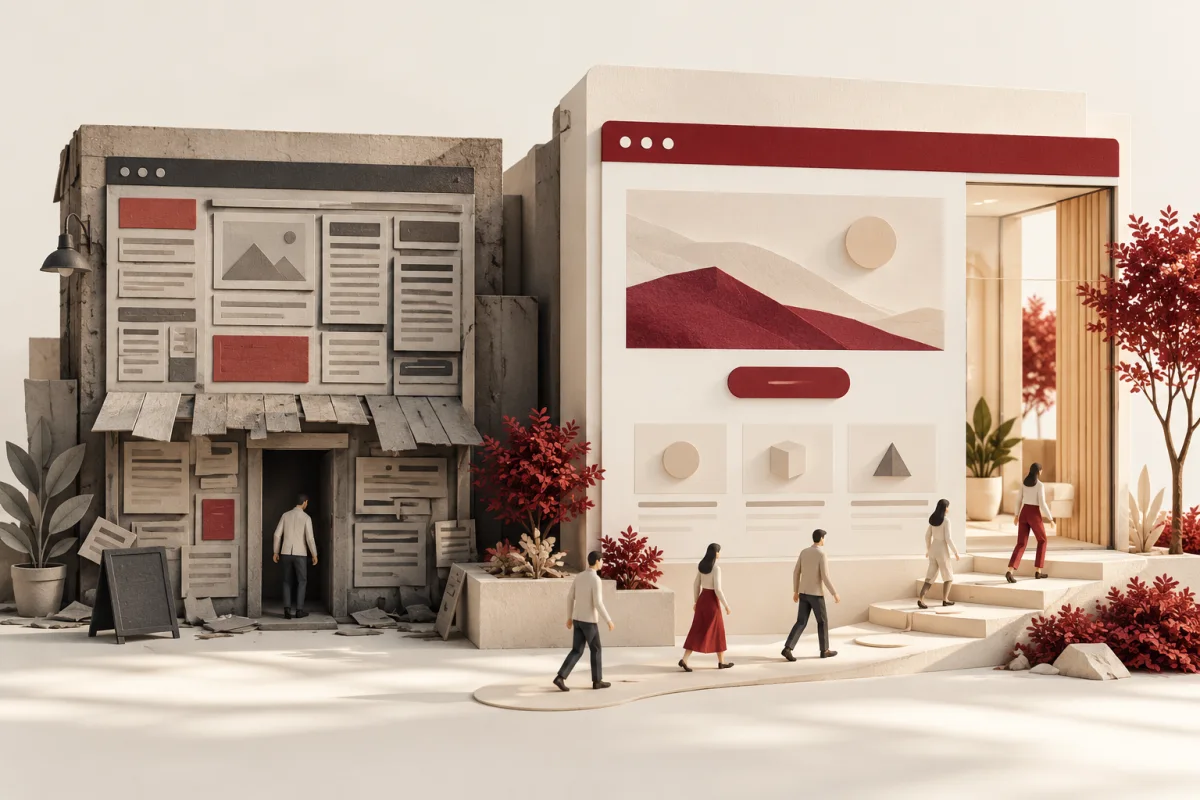
A prospect finds your business, opens the website on a phone and disappears. There is no explanation in the inbox. You see a visit in analytics, but you do not see the question the page failed to answer.
That does not automatically mean you need a redesign. Traffic quality, pricing, response times and demand can all affect enquiries. The case for website redesign services gets stronger when there is specific evidence that the site makes an otherwise useful visit difficult.
Audit the visitor journey, form delivery, mobile usability and existing search performance before changing the design. Fix isolated problems directly. Plan a fuller redesign when the content structure, visual hierarchy and underlying implementation all need attention.
Six signs visitors cannot make a confident decision
1. The opening screen never explains the offer
“Innovative solutions for tomorrow” could belong to almost anyone. A visitor should quickly understand what you do, who it is for and what to do next. Test that with someone who has never heard of the business.
2. Every service is squeezed onto one page
A customer seeking commercial cleaning has different questions from someone seeking a one-off residential clean. Distinct service pages can provide relevant detail without making the homepage do every job.
3. Proof is hard to find or hard to believe
A vague claim about being the best is less useful than an identifiable review, a relevant project and a clear explanation of the work. Link to sources where available and distinguish examples from documented results.
4. The next step changes on every screen
A page that asks visitors to book, download, subscribe, chat and call with equal emphasis makes prioritisation harder. Give each main page one primary action and suitable supporting options.
5. The site describes yesterday’s business
If the company now serves larger clients or offers a different service, old copy can attract the wrong enquiries. A redesign brief should include positioning and content responsibilities, not just new colours.
6. Basic buying questions remain unanswered
Service area, typical process, expected next steps and the information needed for a quote help visitors decide whether to contact you. Publish what you can honestly explain rather than using “contact us” as the answer to everything.
Six signs the experience is getting in the way
7. Mobile navigation hides important pages
Test the menu on a real phone. Open and close it, navigate with a keyboard and check whether the main action is reachable. Desktop screenshots miss many of these problems.
8. Images load late or stay blank
Oversized images and reveal animations can create empty-looking sections. Check both download success and whether the image or its parent is hidden by styling. Keep important content visible even if an animation fails.
9. Forms fail without useful feedback
Send a test enquiry. Confirm the browser shows success, the right inbox receives it and somebody knows what to do next. A beautifully styled form with unreliable delivery is an expensive decoration.
10. Loading, interaction or layout movement is poor
Use Google’s Core Web Vitals guidance: good targets are LCP at or below 2.5 seconds, INP at or below 200 milliseconds and CLS at or below 0.1, assessed at the 75th percentile. Check real-user data where available; a single lab score is only part of the picture.
11. Accessibility problems block normal tasks
Look for faint text, missing focus indicators, unlabeled fields and controls that only work with a mouse. Use the WCAG guidance as a technical reference and include practical user testing.
12. Nobody can explain what the site generates
If clicks, forms and actual qualified enquiries are disconnected, the business cannot judge what needs improving. Define meaningful events and a simple lead-handling process before treating a visual refresh as the solution.
Repair, refresh or rebuild?
| What you find | Likely next step | Example |
|---|---|---|
| A few isolated faults | Targeted repair | Broken form, heavy images or an unclear button |
| Sound structure, dated presentation | Design and content refresh | Better hierarchy, photography and service messaging |
| Content, navigation and technology all obstruct work | Planned rebuild | Restructure pages, migrate content and reconnect enquiry routing |
Ask for an audit that separates these categories. It should be possible to explain why a rebuild is necessary. “The website looks old” is a starting observation, not a complete business case.
Protect what already works in search
Before launch, export existing URLs and identify pages with useful traffic, links or enquiries. Map changed URLs to relevant replacements. Retain valuable content unless there is a reason to rewrite it. Check titles, canonical tags, redirects and the sitemap on the new version.
After launch, monitor important landing pages, errors and real enquiries. A redesign does not guarantee higher rankings, and a careless migration can damage existing visibility. Read our guide to redesigning while protecting SEO when building the checklist.
Give the project a measurable brief
Choose a baseline period and record qualified enquiry volume, form completion, key mobile issues and page performance. Agree which improvements are in scope and how they will be verified. Account for traffic changes and seasonality when interpreting results.
Our website redesign approach can include clearer service journeys, practical proof and a tested route from interest to enquiry. Start with the pages closest to a real buying decision.
Frequently asked questions
How often should a business redesign its website?
There is no useful universal interval. Review whether the site still supports the business, works reliably and answers current customer questions. Some sites need ongoing improvements more than a complete replacement.
Will a new design increase conversions?
It can remove barriers, but traffic quality, offer, price and follow-up also matter. Establish the baseline and measure the changes rather than promising a percentage uplift.
Share your current URL, the customer you want to reach and what a good enquiry looks like. We can discuss whether the next step is a repair, a refresh or a more substantial redesign.
Discuss my redesign priorities ↗Editorial note: published 21 October 2026. Budget and time-saving examples are explicitly illustrative. Vendor capabilities and terms can change; check linked primary sources and written proposals for your requirements.
 Chat with us