
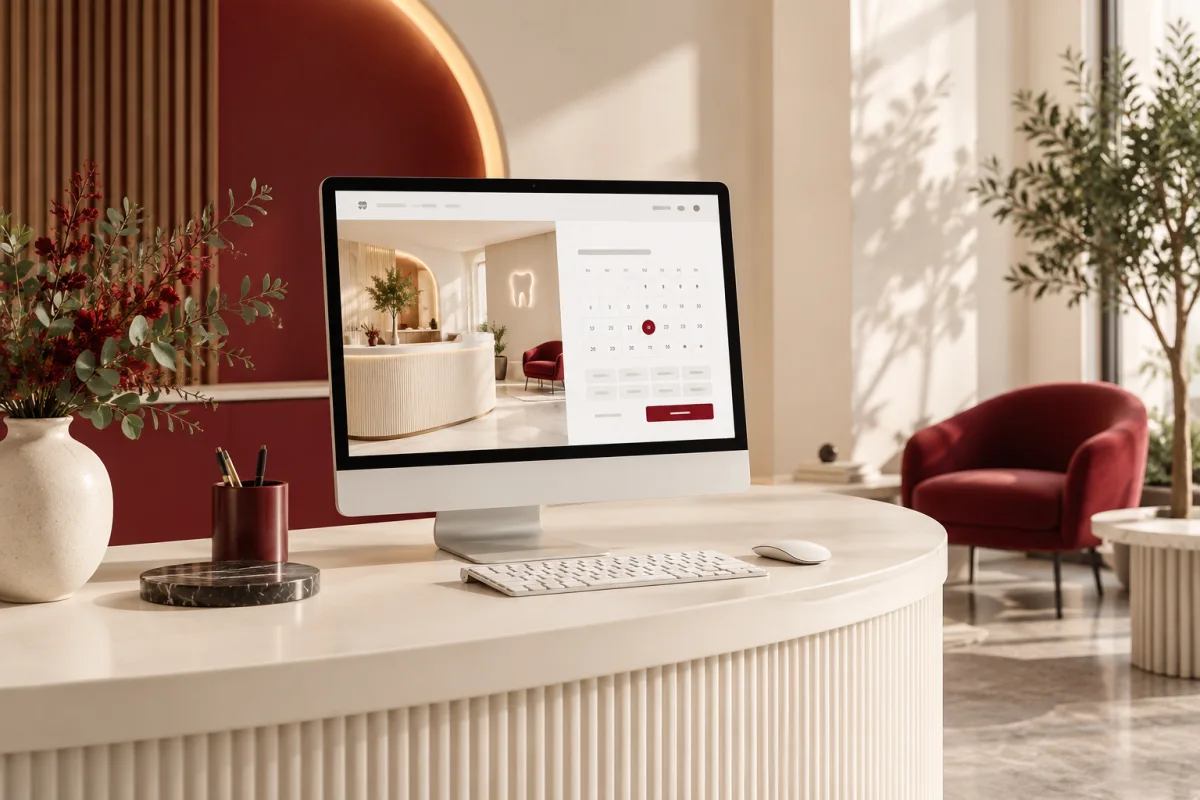
A patient is ready to book, but the website offers a long treatment list and a form labelled “Submit.” They do not know which appointment to choose, whether the time is available or when anyone will confirm it.
Dental clinic website design should reduce that uncertainty. Online booking is valuable when the practice can fulfil the promise the interface makes. A simple, well-explained appointment request can be better than an impressive calendar that does not reflect reception’s real workflow.
Decide whether the site confirms appointments or collects requests for staff review. Then make services, appointment choices, location, clinician information and privacy controls support that exact process.
Help patients choose the right starting point
A new-patient consultation, routine check-up and an enquiry about a particular treatment may need different time slots or preparation. Use labels the intended patient can understand, with clinician-approved explanations where necessary.
Do not expect visitors to diagnose themselves through a booking menu. Give a route for people who are unsure. Have the practice approve locally appropriate guidance for urgent concerns and distinguish routine requests from urgent clinical care.
Design service pages around the appointment
Explain whom the service may suit, what an initial visit involves, who provides it and how to enquire. Keep credentials accurate and clinical descriptions reviewed. Avoid treatment guarantees or imagery that implies every patient can expect the same outcome.
For physiotherapy, the same design principle applies: explain assessment, location and appointment options without turning the booking page into a diagnostic tool. Give each practice discipline appropriate content rather than swapping the specialty name in a template.
Choose request-and-confirm or live booking
| Approach | Works when | What the patient must understand |
|---|---|---|
| Appointment request | Reception needs to review fit or availability | The time is not reserved until confirmed |
| Live booking | The calendar reflects usable appointment rules | What is confirmed and how changes work |
| Call or assisted booking | The request needs a conversation | Contact options and relevant opening hours |
Test buffers, clinician availability, appointment types and simultaneous requests. Explain cancellation and rescheduling arrangements approved by the practice. Confirm what happens if the connection to the calendar fails.
Ask only for information appropriate to the step
Initial appointment requests often need much less information than a clinical intake. Separate the marketing enquiry from any later health-history collection. Avoid putting sensitive descriptions into analytics events, broad email notifications or unreviewed widgets.
US practices subject to HIPAA should review the actual data flows and vendor arrangements. HHS’s tracking guidance discusses disclosures involving protected health information and notes limits imposed by a court decision on part of the guidance. Obtain a context-specific review instead of treating a generic “compliant” label as sufficient.
Use the practice itself as the visual story
High-quality photographs of the reception, exterior and approved team portraits help a first-time visitor picture the arrival. Obtain appropriate permissions and do not present stock photographs as your clinicians or patients.
Show parking, access and wayfinding details where useful. Patients may value knowing where to enter more than a large decorative photograph of dental equipment.
Make the small interactions accessible
Check readable contrast, labelled fields, keyboard focus and understandable errors. Test the booking widget with a keyboard as well as a touch screen. If it is difficult to use, provide an accessible alternative route.
Compress images and avoid hiding important content behind animations. Keep address, hours and contact details available even when an optional integration does not load.
Close the loop with reception
Agree who sees new requests, how duplicates are handled and what the confirmation message says. A patient should not receive a positive-looking success screen while the request sits in an unattended inbox.
Explore the companion guide to dental practice management software and Clinzify when the website needs to connect with appointment, record and billing administration.
Does every treatment need a bookable slot?
No. Some services are better introduced through a consultation or staff review. Match the website to the practice’s real appointment rules.
Should the website advertise patient results?
Only with appropriate permissions, accurate context and professional review. A testimonial should not imply a guaranteed clinical outcome.
Tell Deepak Softech how reception currently confirms bookings. We can discuss a clinic website that supports the process your team can deliver.
Discuss my dental website ↗Editorial note: published 21 October 2026. Budget and time-saving examples are explicitly illustrative. Vendor capabilities and terms can change; check linked primary sources and written proposals for your requirements.
 Chat with us