
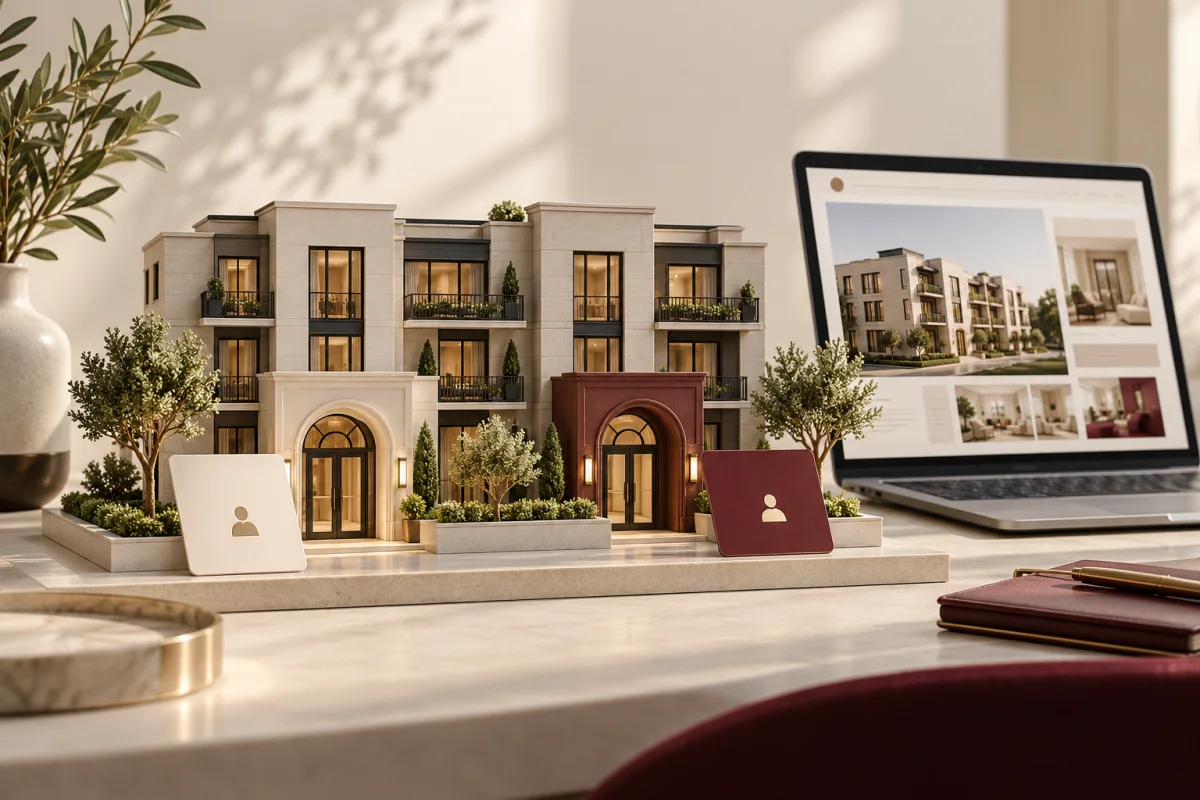
A property owner wants to discuss management fees. A tenant wants to report a leak. Both arrive at the same homepage and see the same “Contact us” button. The website has two audiences, but only one undifferentiated path.
A property management website should separate new-business enquiries from services for existing owners and residents. Portals can support that separation, provided the private functions are genuinely controlled rather than simply hidden behind a link.
Help prospective owners understand the service, give current owners an appropriate route to their records and let tenants find the correct service or maintenance channel. Define what each portal owns before commissioning a new one.

Make the public website explain the management offer
Describe the property types and locations served, the scope of management and the process for starting a conversation. Show accurate team details and relevant proof. Explain what an owner enquiry should include without collecting confidential financial records too early.
For available properties, keep listing information current and distinguish an enquiry from an application or approval. Have the responsible team review advertising and applicant-handling requirements for the locations involved.
Separate owner and tenant tasks
| Audience | Typical task | Website route |
|---|---|---|
| Prospective owner | Understand services and discuss a property | Service pages and a focused enquiry |
| Current owner | Access authorised reports or communication | Secure owner portal |
| Tenant or resident | Find guidance or submit a maintenance request | Resident services and appropriate portal access |
| Contractor | Respond to assigned work | Restricted job access where needed |
Label portal links plainly and place them consistently. Existing customers should not have to work through a sales form to find their normal service channel.
Reuse a dependable portal when it already exists
A public website can link to an established property platform without rebuilding its financial and resident functions. Match branding where appropriate and make the destination clear. Avoid creating a second account system simply to keep every screen on one domain.
If custom portals are needed, define account roles, property access, document visibility and ownership changes. A manager with access to several properties and an owner with one property need different boundaries.
Secure the record, not just the entrance
Test whether people can access another property’s documents by changing a URL or using an old shared link. Enforce permissions where records and files are served. Include account recovery, staff departures and changes of ownership in the design.
Separate private documents from the public media library. Review third-party scripts and tracking around authenticated pages so sensitive information is not casually disclosed.
Make maintenance guidance clear before submission
Explain which channel handles routine requests and provide the property manager’s approved instructions for urgent situations. A web form should not imply that an emergency has been seen or acted on immediately unless that process genuinely exists.
Let residents provide useful location and issue information, with appropriate photographs if needed. Show the difference between received, reviewed, scheduled and resolved. The companion guide to maintenance tracking software covers that workflow.
Use photography as orientation, not implied inventory
Authorised property photographs can explain the types of buildings managed. Label stock architecture as illustrative rather than suggesting the business manages the pictured building. Keep listing photographs accurate and current.
Do not publish resident information, access codes or private documents in screenshots. A cropped portal demonstration should use synthetic records.
Test the complete service journey
Try an owner enquiry, a portal login, a routine maintenance request and a lost-password route. Check the destination, responsible staff and confirmation wording. Verify mobile navigation and keyboard access.
Measure suitable owner enquiries, misrouted requests, portal support needs and unresolved service handoffs. A property website’s value is not captured by lead count alone.
Should owners and tenants share one login?
They may share an identity system, but their authorised records and actions must remain appropriately separated. Define and test those roles.
Do we need a custom portal immediately?
Not necessarily. A clear website connected to an existing platform may meet the need with less duplication.
Tell us your property types, service area and current portal platform. Deepak Softech can discuss a property website with clear public and private journeys.
Plan my property website ↗Editorial note: published 21 October 2026. Budget and time-saving examples are explicitly illustrative. Vendor capabilities and terms can change; check linked primary sources and written proposals for your requirements.
 Chat with us