
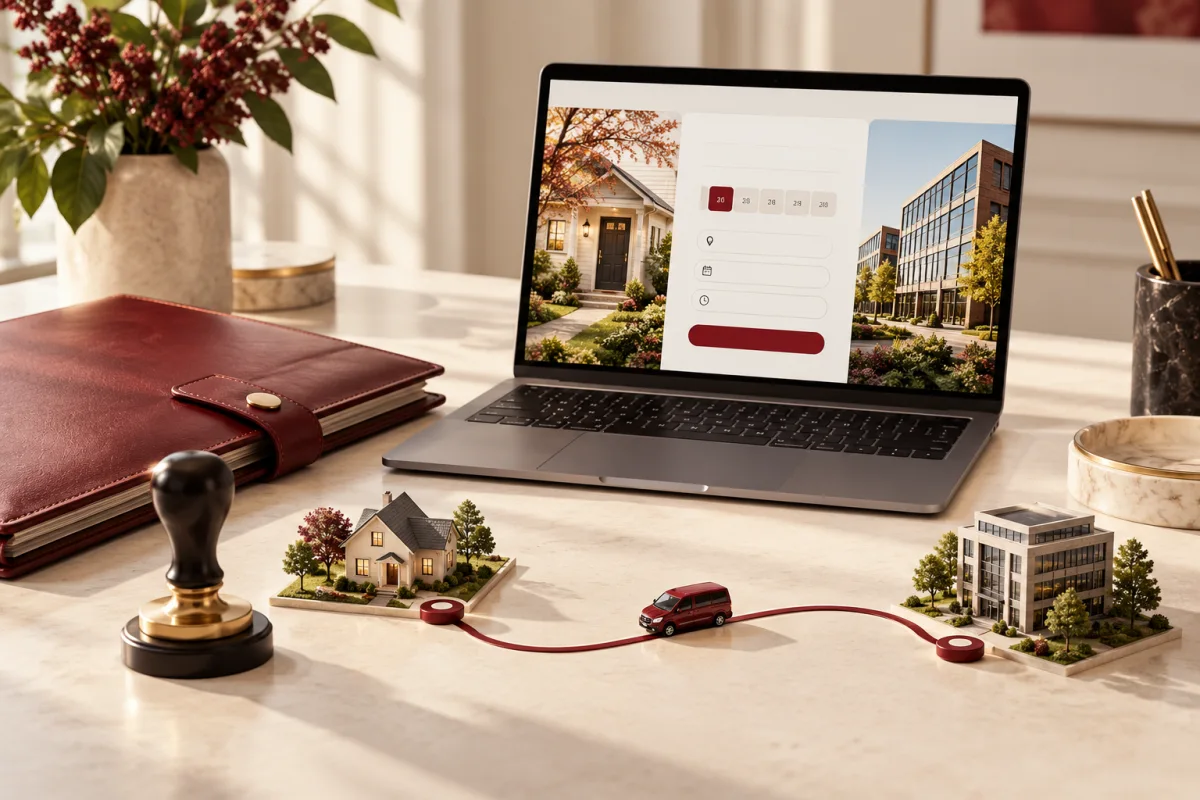
Someone needs a mobile notary tomorrow afternoon. They want to know whether you travel to their area, what the appointment may cost and what they need to prepare. A website that only says “Professional and reliable” leaves all three questions unanswered.
Mobile notary website design should turn that uncertainty into a clear appointment request. The booking interface must also distinguish arranging a visit from carrying out a notarial act.
Publish accurate service areas, available service types, fee explanations and the request or confirmation process. Explain preparation using wording approved for your jurisdiction. Online appointment booking does not by itself provide remote online notarization.
Explain exactly what service is offered
Separate a mobile visit, a signing appointment and any authorised remote service. Use accurate credentials and avoid implying legal advice or authority the business does not have. Tell visitors whom to contact when they are unsure about the required document or act.
Rules vary by jurisdiction. For example, Texas describes online notarization as a separately authorised service with its own requirements. Treat the website’s scheduling features and the underlying professional authorisation as separate subjects.
Put travel coverage before the calendar
Publish the places you actually serve and explain how travel affects availability. A visitor outside the area should learn that before entering a long form. If distance or timing changes the fee, describe how it will be confirmed.
For mobile work, two open slots may still be impossible to fulfil because the appointments are far apart. A request-and-confirm process is appropriate when travel and preparation need review.
Design a short, useful booking request
| Ask initially | Why it matters | Keep out of a general form |
|---|---|---|
| Location and preferred time | Travel and availability | Unnecessary security details |
| Broad appointment type | Preparation and fit | Unreviewed legal conclusions |
| Number of signers, where appropriate | Planning the visit | Identity-document scans unless properly required and collected |
| Contact method | Confirmation | Confidential document contents in analytics |
Show what happens after submission. If availability is still being checked, use “Request an appointment” rather than “Your appointment is booked.” Provide another contact route for an urgent scheduling question.
Explain fees without a surprise at the door
Use a clear distinction between the professional service, travel and any other legitimate charges. Publish only accurate terms, with the responsible notary reviewing the wording and applicable requirements. Do not invent a universal fee rule for every location.
When a quote depends on the situation, explain the information needed to confirm it. A transparent process can be more useful than a misleading starting price.
Build trust with identifiable details
Show the actual professional or business, accurate credentials and sourced feedback where available. Use an authorised portrait and clear contact details. Do not place an official-looking seal or government symbol in the design in a way that suggests an endorsement.
Stock photographs of signing can support the topic, but they should not imply the pictured person is your notary or customer. Avoid visible personal information and documents in any published photograph.
Make the appointment handoff dependable
Route the request to a named owner. Record whether details have been confirmed, what preparation message was sent and whether a change needs acknowledgement. Keep sensitive information out of broad reminder notifications.
The companion guide to mobile signing scheduling software explains travel buffers, preparation and completion. Connect the public website to that process rather than adding another inbox to monitor.
Measure completed, suitable appointments
Track service-fit requests, successful contact, confirmed visits and avoidable rescheduling. Ask why appointments could not proceed: geography, timing, incomplete preparation or a service outside your authority.
Should the site accept document uploads?
Only when the business has a defined need and an appropriate collection process. Many initial appointment requests do not require the complete document.
Does online booking make us a remote notary service?
No. Scheduling a visit is different from performing a remote notarial act. Confirm authority and requirements separately.
Tell us your travel area and confirmation process. Deepak Softech can discuss a mobile notary website with accurate expectations and useful appointment intake.
Plan my notary website ↗Editorial note: published 21 October 2026. Budget and time-saving examples are explicitly illustrative. Vendor capabilities and terms can change; check linked primary sources and written proposals for your requirements.
 Chat with us