You paid for a website. You can see visits in your analytics. But the phone stays quiet, and the contact form mostly attracts spam. Before you approve another redesign or buy more ads, follow one customer’s path from the search result to the sales conversation. The gap is often smaller, and more specific, than ‘we need a better website.’
Start by checking whether the right buyers reach the right service page, understand your offer, trust your business, and can complete an inquiry. Then test whether that inquiry reaches your team. More traffic alone will not fix unclear positioning, a broken form, or missed follow-ups.
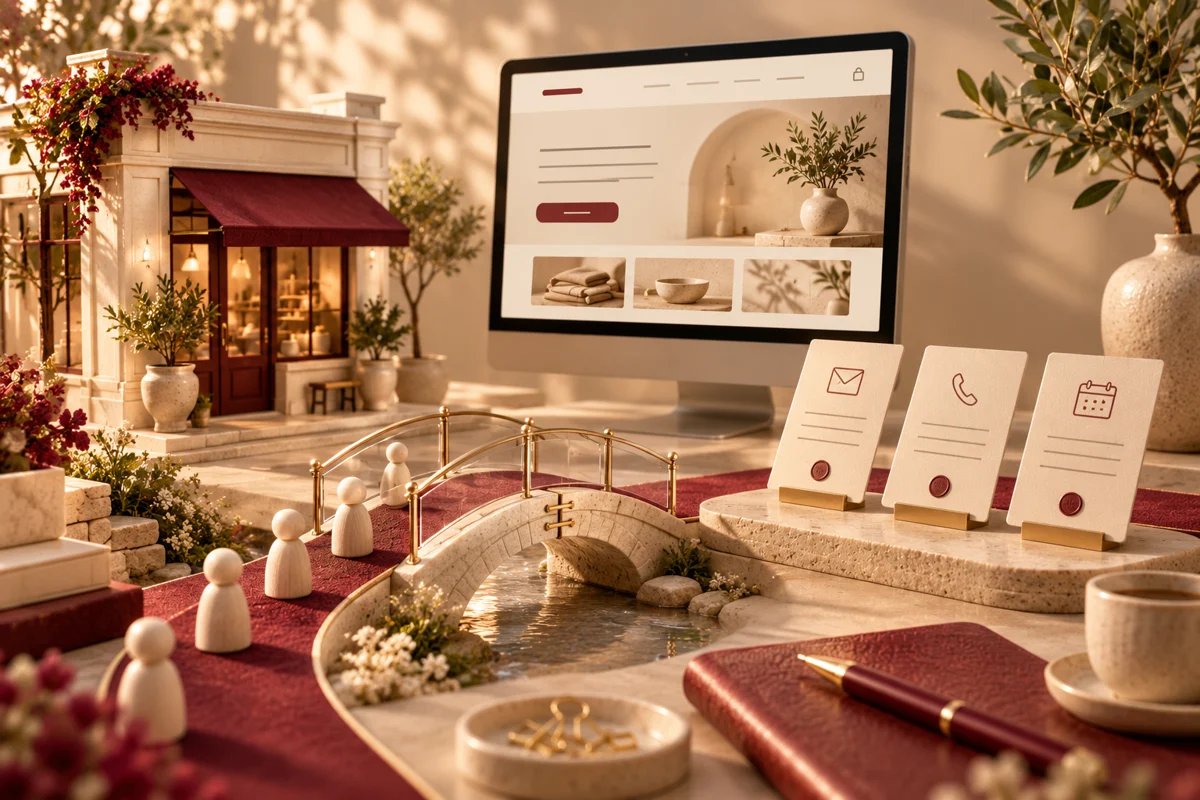
Features, workflow and outcomes
Features that address the daily bottleneck
Service-specific landing pages
Help buyers understand scope and decide whether to inquire.
Contextual quote and consultation CTAs
Give visitors an action that fits their readiness.
Form delivery and CRM handoff
Give each genuine request an owner and next action.
Source-to-opportunity reporting
Distinguish useful demand from irrelevant visits.
How the workflow fits together
A relatable example
An illustrative commercial inspection firm receives inquiries by phone and web form. Some visitors cannot tell which properties it serves, and web submissions reach an inbox nobody owns.
- Trace one relevant visit through the landing page and contact route.
- Clarify the offer and show proof close to the decision.
- Test submission, confirmation, delivery, and assignment.
- Review qualified inquiries and adjust the weakest step.
How to judge whether it helps
These are intended operating improvements to validate in a pilot. They are not promised financial or performance results.
| Feature | Useful outcome | Measure against your baseline |
|---|---|---|
| Service-specific landing pages | Help buyers understand scope and decide whether to inquire. | Relevant service-page inquiries |
| Contextual quote and consultation CTAs | Give visitors an action that fits their readiness. | CTA clicks followed by completed inquiries |
| Form delivery and CRM handoff | Give each genuine request an owner and next action. | Unassigned requests and delivery failures |
| Source-to-opportunity reporting | Distinguish useful demand from irrelevant visits. | Qualified opportunities by source |
Find the leak before you spend more
Separate a visibility problem from a conversion problem. A site with very few relevant visits needs a different plan from a site receiving qualified visitors who never inquire. A third possibility is easy to overlook: people are reaching out, but notifications, routing, or follow-up are failing.
Review your last 30–90 days by landing page and traffic source. Record relevant visits, genuine inquiries, qualified opportunities, and booked work. Filter spam and internal testing. If volumes are low, read individual inquiries and interview recent customers rather than treating a tiny percentage change as a trend.
For example, an independent adjusting firm may receive visitors looking for adjuster jobs while its actual goal is carrier assignments. Traffic increased, but the audience did not match the offer. That is a targeting issue before it is a button-color issue.
7 ways to turn more of the right visits into inquiries
1. Give each buyer a clear service page
A homepage that promises ‘complete business solutions’ makes visitors do the work. Name the service, who it helps, and the next step. A Texas commercial roofing company might need separate pages for inspections, repairs, and replacement. A manufacturer may need capability pages organized by process and material.
Use the language customers use on calls. Connect supporting articles to those pages so a reader researching a problem can find the relevant service. Publish geographic details only where you actually operate; swapping city names into identical pages adds little value.
2. Make the first screen answer three questions
What do you do? Is it for someone like me? What should I do next? Replace a vague headline with a specific offer. ‘Commercial property inspections for Florida building owners’ gives a visitor more to work with than ‘Excellence you can trust.’ Add a concise explanation and one primary action.
Your headline should match the promise in the ad or search snippet. If someone clicked for an emergency service, make availability and contact options easy to find. Do not imply 24-hour support unless your team provides it.
3. Replace generic claims with useful proof
Show relevant work, explain your process, identify the team, and use authentic testimonials with permission. A manufacturing buyer may want materials, tolerances, and quality documentation. A professional services buyer may want to know who handles their inquiry and what happens after the first call.
A short case study can explain the starting problem, your actual contribution, and the outcome you can substantiate. If you cannot publish a client name or number, describe the process honestly. Invented logos, reviews, and performance figures create a credibility problem.
4. Give visitors a sensible next step
‘Submit’ tells visitors about a form. ‘Request a project estimate’ tells them what they will get. Match the action to the decision. A complex software project may need a scope discussion; a local repair inquiry may need a phone call or photo upload.
Place the primary CTA after the offer, after relevant proof, and at the end of the page. Offer a secondary route for visitors who need more information. Repeating a button every few lines is less useful than answering the question that prevents someone from clicking it.
5. Remove form friction and test delivery
Ask for enough information to start a useful conversation. For a first inquiry, name, contact details, service needed, and a short description may be sufficient. Add project-specific questions when they help your team qualify the request. Explain file limits and avoid collecting sensitive records through an ordinary contact form.
Test the entire journey on a phone: required fields, validation, confirmation, email delivery, CRM creation, and assignment. A success message is not proof that the inquiry reached the right person. Keep a fallback contact option visible when a submission fails.
6. Fix the mobile experience where buyers actually struggle
Open the page on a real phone and a typical connection. Can you read the offer without zooming? Does a sticky banner cover the CTA? Can you tap the phone number? Does the layout jump while images load? Compress oversized images and reserve space for media.
Use loading, responsiveness, and layout stability measurements to identify technical problems, then confirm the actual experience. A higher performance score is useful evidence of an improvement; it is not a promise of more sales. Prioritize the pages that receive qualified visits.
7. Connect the inquiry to a follow-up process
A website lead is the start of a workflow. Assign an owner, record the source, confirm receipt, and define the next action. A CRM can keep requests from disappearing into shared inboxes, but someone still needs responsibility for each opportunity.
Track inquiry-to-qualified-opportunity and qualified-opportunity-to-customer outcomes alongside form submissions. If the same question repeatedly disqualifies visitors, answer it earlier on the service page. If qualified requests stall after submission, review follow-up before buying more traffic.
What should you fix first?
Start with failures that prevent a customer from contacting you: broken forms, incorrect phone numbers, unreadable mobile screens, or lost notifications. Next, improve the offer and proof on the service pages closest to revenue. Only then scale campaigns into a working journey.
Keep a change log. For each update, write the problem, what you changed, and the measure you expect to improve. Compare similar traffic sources over a reasonable period and account for seasonality. If several things change at once, avoid crediting the result to one new headline.
Turn the review into a practical first phase
Bring your website URL, key services, recent inquiry examples, and the tools currently receiving your leads.
Request a website lead review ↗When a redesign or CRM integration makes sense
A focused repair is often enough when the underlying structure is sound. A redesign becomes more reasonable when services are difficult to navigate, mobile layouts fail across templates, or the platform prevents essential updates. CRM integration helps when inquiries arrive through several channels and ownership is unclear.
Deepak Softech can scope the website journey and the handoff together: service-page structure, inquiry forms, confirmation messages, CRM routing, and reporting. The useful deliverable is a working path from a relevant visit to an accountable conversation.
Frequently asked questions
Why does my website get traffic but no leads?
Check audience fit, landing-page relevance, the clarity of your offer, trust signals, form usability, and inquiry delivery. Traffic from job seekers or broad informational searches may not represent potential customers.
Should I redesign my website or improve the existing pages?
Fix isolated problems first. Consider a redesign when navigation, mobile templates, content management, or technical limitations make focused improvements impractical.
What is a good website lead conversion rate?
There is no universal target. Define a genuine inquiry, segment by traffic source and service, and compare qualified opportunities against your own baseline. Small samples can produce misleading percentages.
Can a CRM help my website generate more business?
A CRM can record inquiries, assign owners, and support consistent follow-up. It will not replace a relevant offer or qualified traffic, but it can help prevent existing opportunities from being missed.
What should I prepare for a project discussion?
Bring your website URL, key services, recent inquiry examples, and the tools currently receiving your leads. The goal is to identify the first useful scope and its dependencies.
Sources and editorial notes
Reviewed November 5, 2026 by the Deepak Softech editorial team. Examples are illustrative. Recommendations should be adapted to your business and verified against current documentation. Search visibility, AI citations, and lead outcomes are not guaranteed. Cover artwork is an original AI-generated concept.
Bring your website URL, key services, recent inquiry examples, and the tools currently receiving your leads.
What we can scope: A prioritized website and inquiry-workflow improvement scope
Request a website lead review ↗Explore the relevant development service · Browse the complete guide collection
 Chat with us