
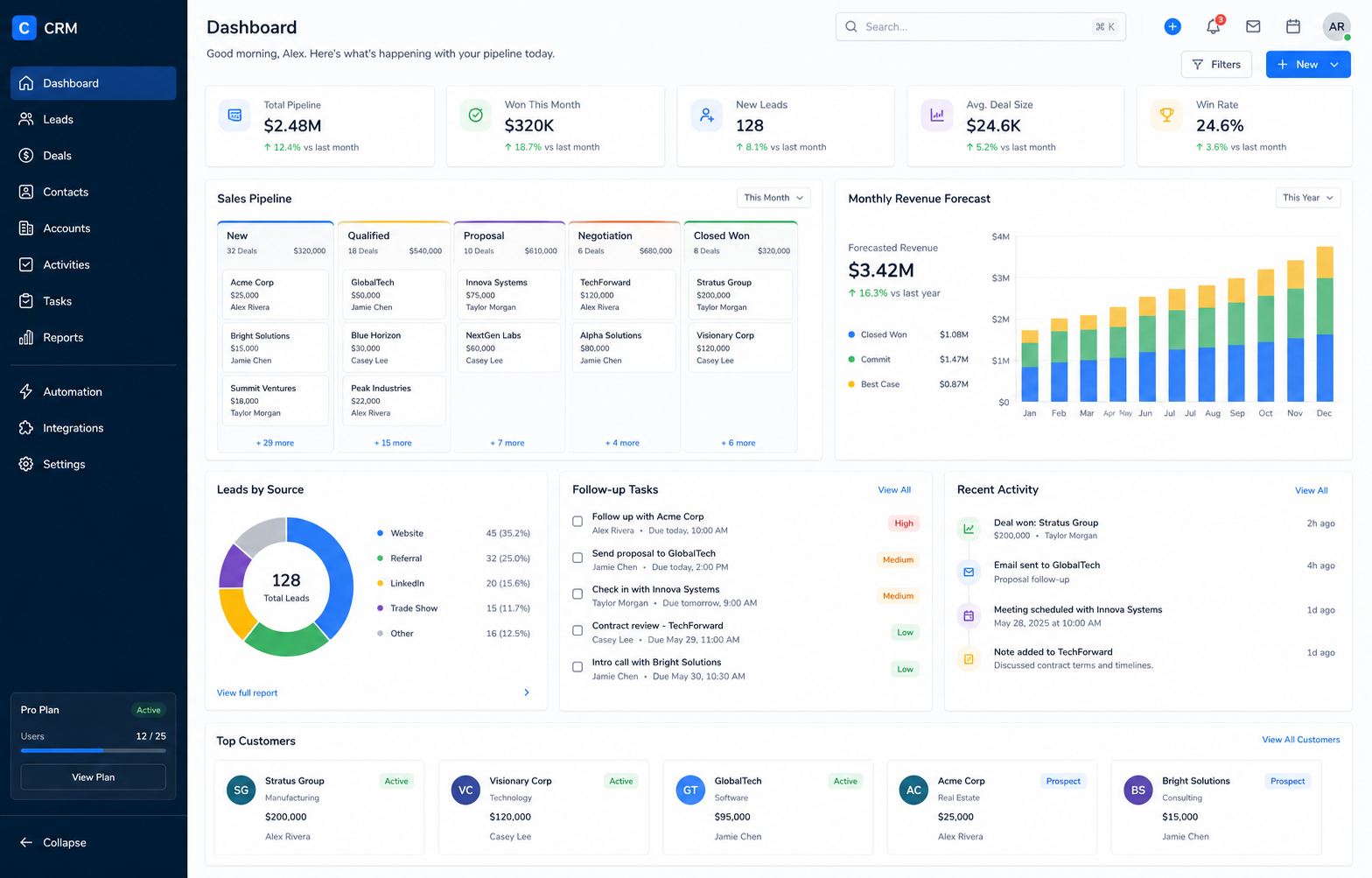
Short answer: consider a CRM when customer information is duplicated, follow-ups depend on memory, reporting takes hours, permissions are unclear or several people update different versions of the same file.
Seven signs Excel is becoming a risk
- Multiple files contain different versions of the same lead.
- Sales follow-ups are stored in personal calendars or messages.
- Management reports require manual cleanup every week.
- Team members can see or edit information they should not.
- There is no reliable history of ownership and status changes.
- Quotes, reminders and emails are repeatedly created by hand.
- New staff need tribal knowledge to understand the sheet.
Custom CRM or off-the-shelf CRM?
Use an established CRM when your process is broadly standard and configuration can cover most needs. Custom CRM development makes more sense when the workflow, roles, data model or integrations are distinctive and commercially important.
Start with one measurable workflow
A sensible first release might cover lead capture, assignment, next action, proposal status and a management dashboard. Measure adoption and time saved before expanding into every possible feature.
Questions to ask before building
- Which decisions need more reliable data?
- Where do leads currently get lost?
- Which integrations remove the most repeated entry?
- Which permissions and audit records are essential?
 Chat with us